Select the consignment you wish to lodge a case on.
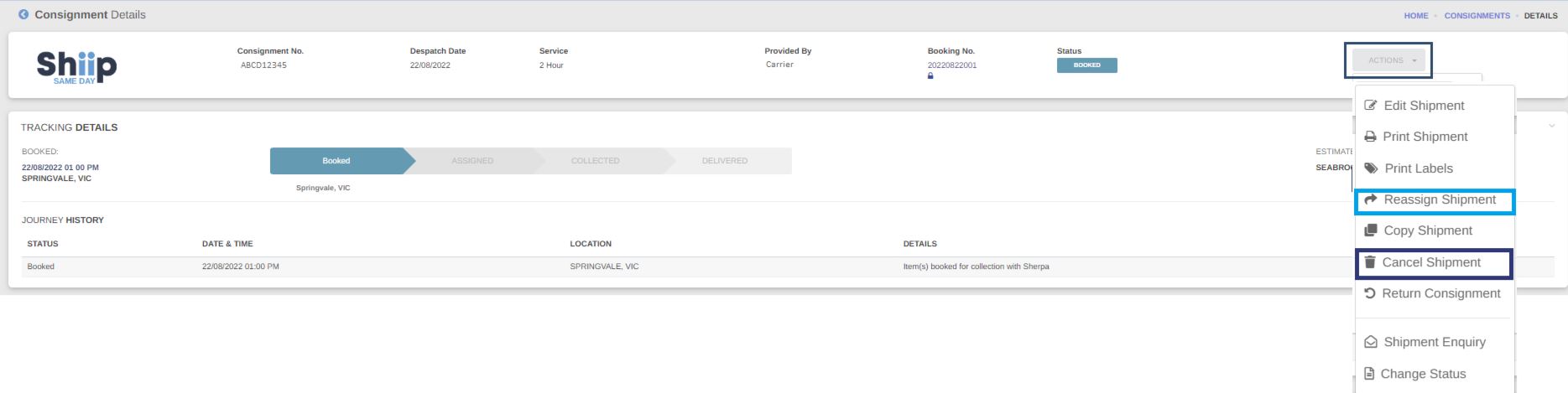
Once you have chosen the consignment, select Actions, then Connote Enquiry.
![]()
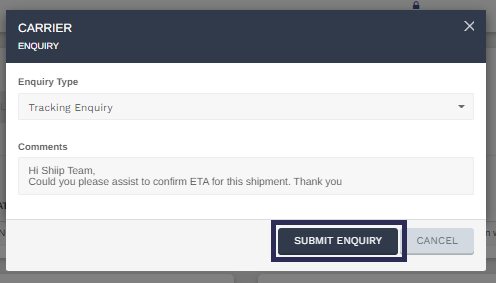
A new screen will appear once you select Connote Enquiry. Here you will select the enquiry type that most relates to your question.
This may be Late delivery, Other, Redirection, Return Freight, or Tracking Enquiry.
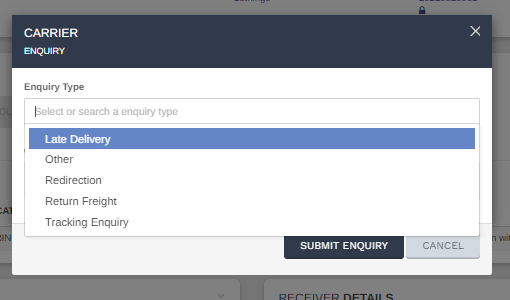
Next, in the comments, you are able to be more specific on the type of enquiry you are lodging and what details you require assistance with.
Once you have completed writing your comment click on Submit Enquiry.
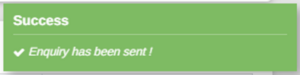
Once submitted, you will receive a notification on the bottom right of your screen to advise you that the query was successfully submitted.
Shortly after you will receive an email with your Query number notifying case has been successfully lodged and one of our friendly customer service representatives will get back to you shortly.